Maya's Playbox
Controls:
Left click: Throws a ball when over Maya, rotates cube otherwise
Right click: Rotates camera (when camera isn't locked)
Scroll wheel: Zooms camera
Middle click: Pans camera
Spacebar: Camera lock, Camera reset
Esc: Closes the game
Extra features accessed by clicking the button on the left side of the screen
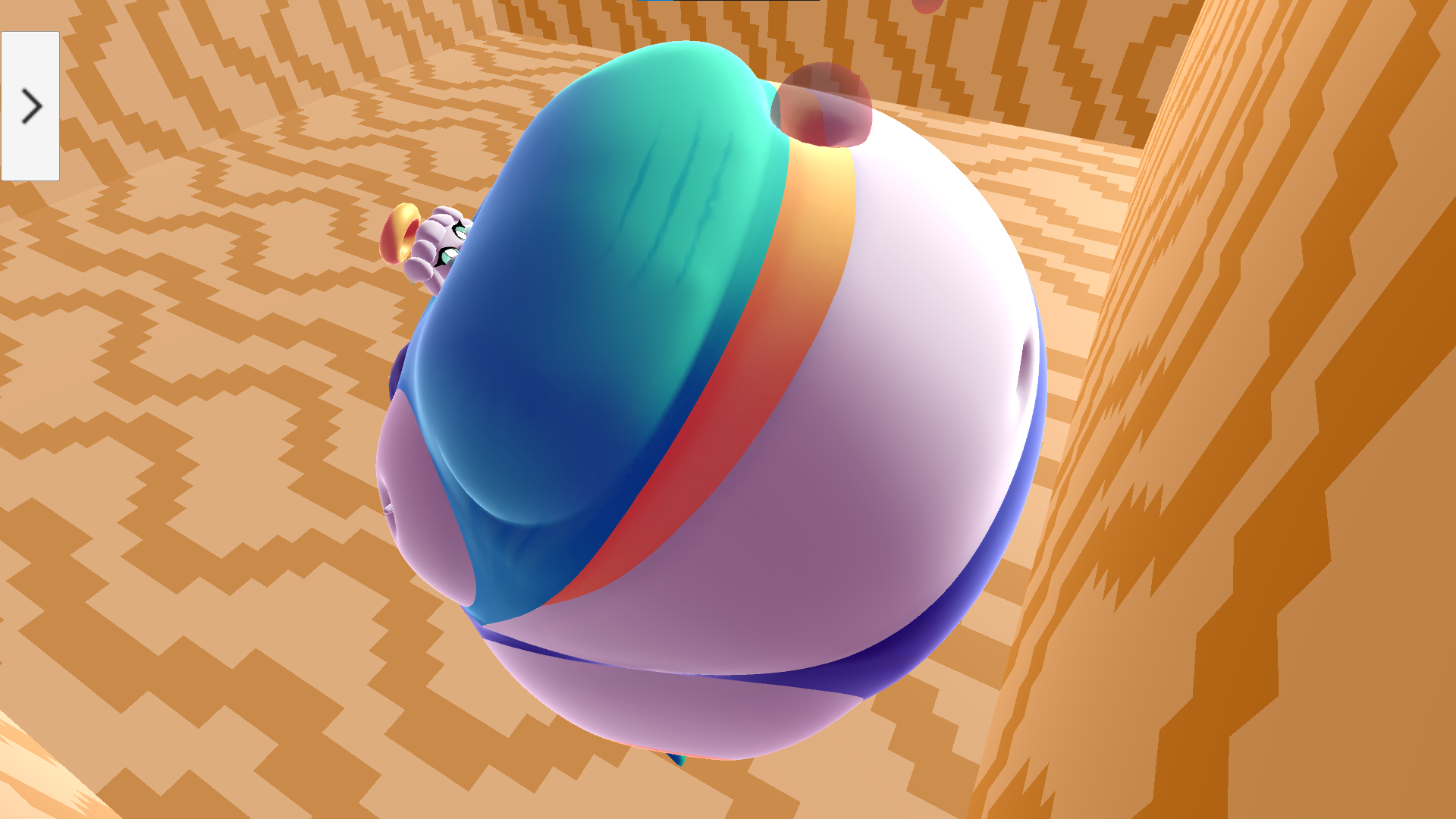
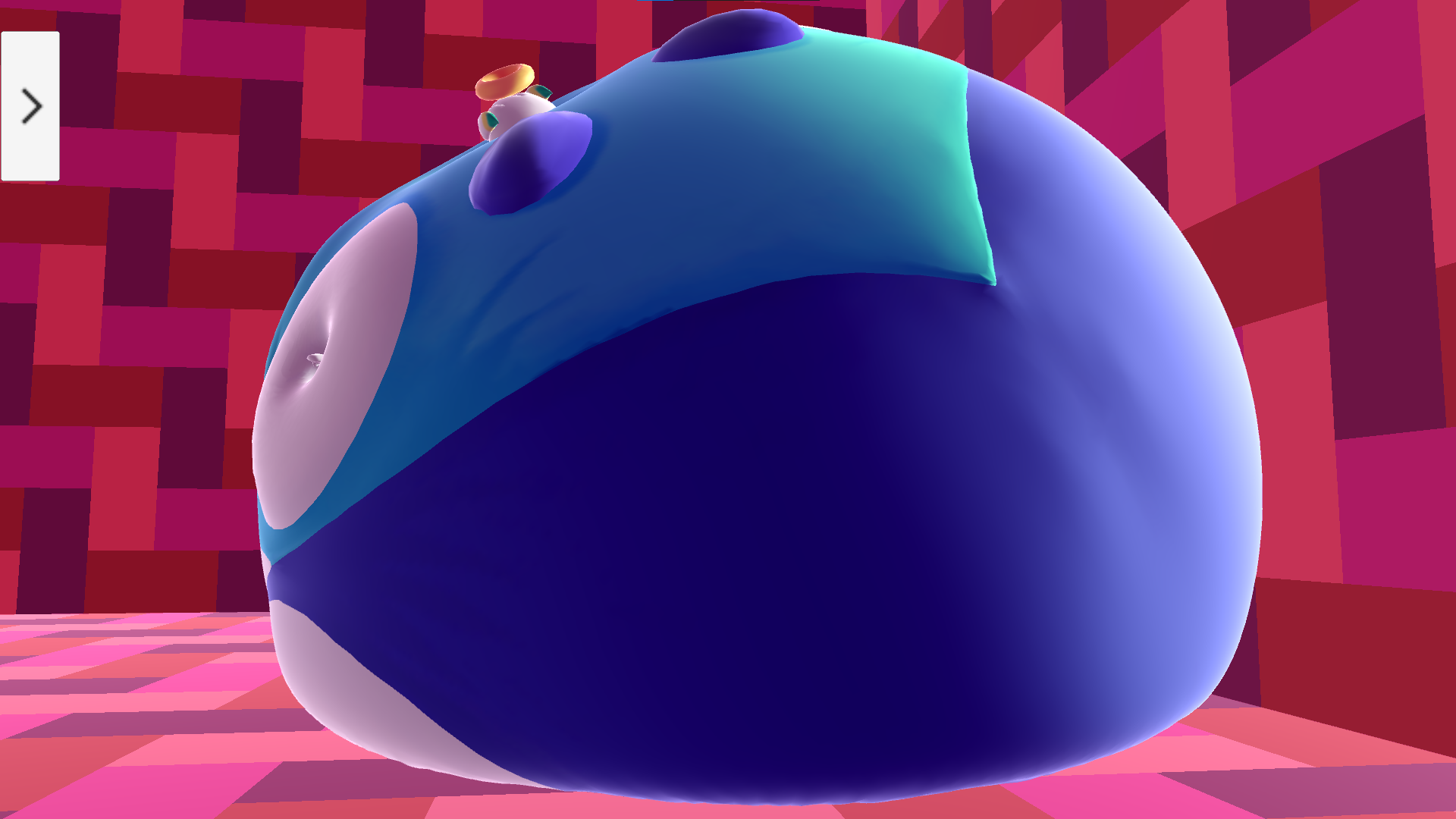
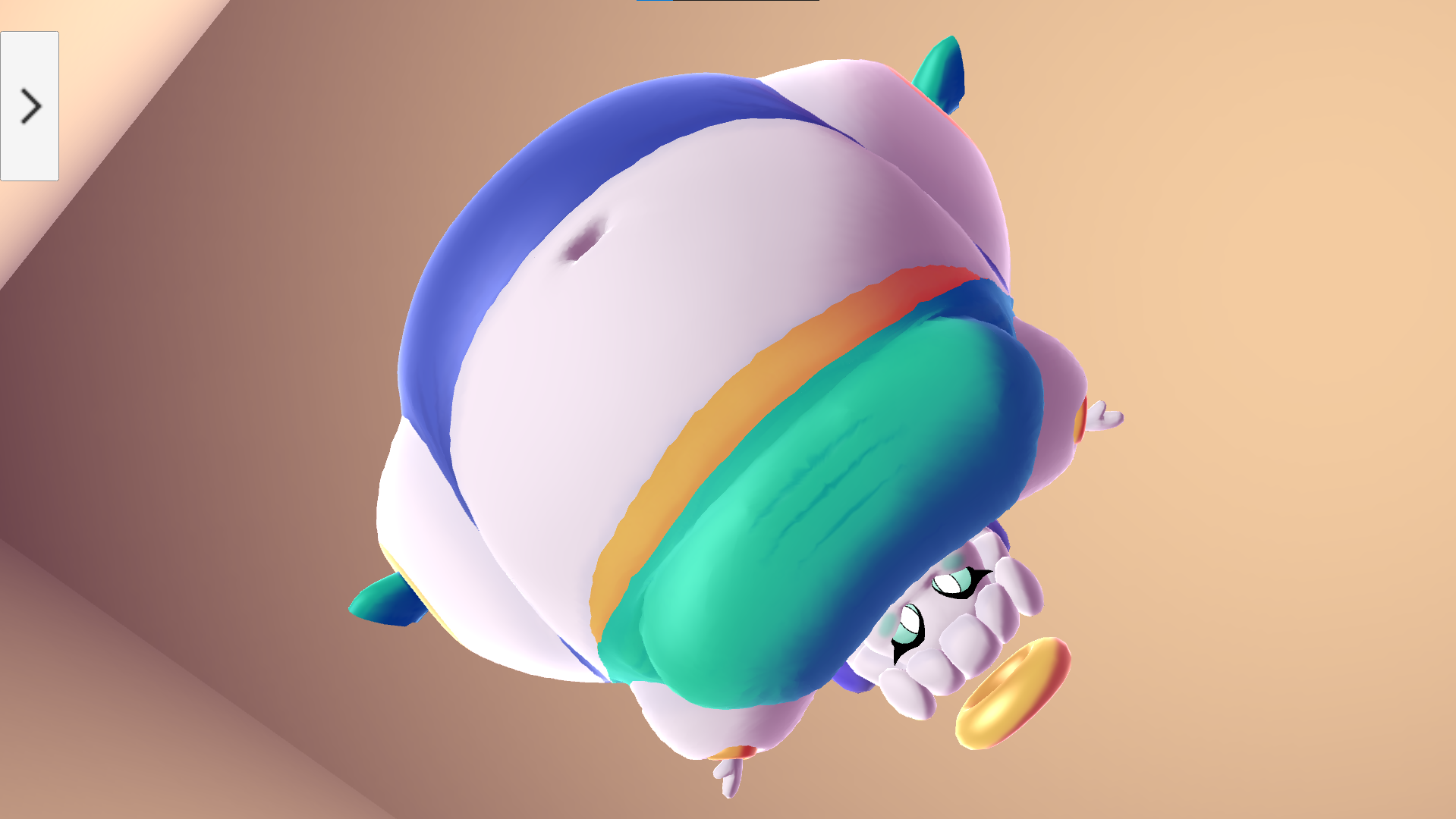
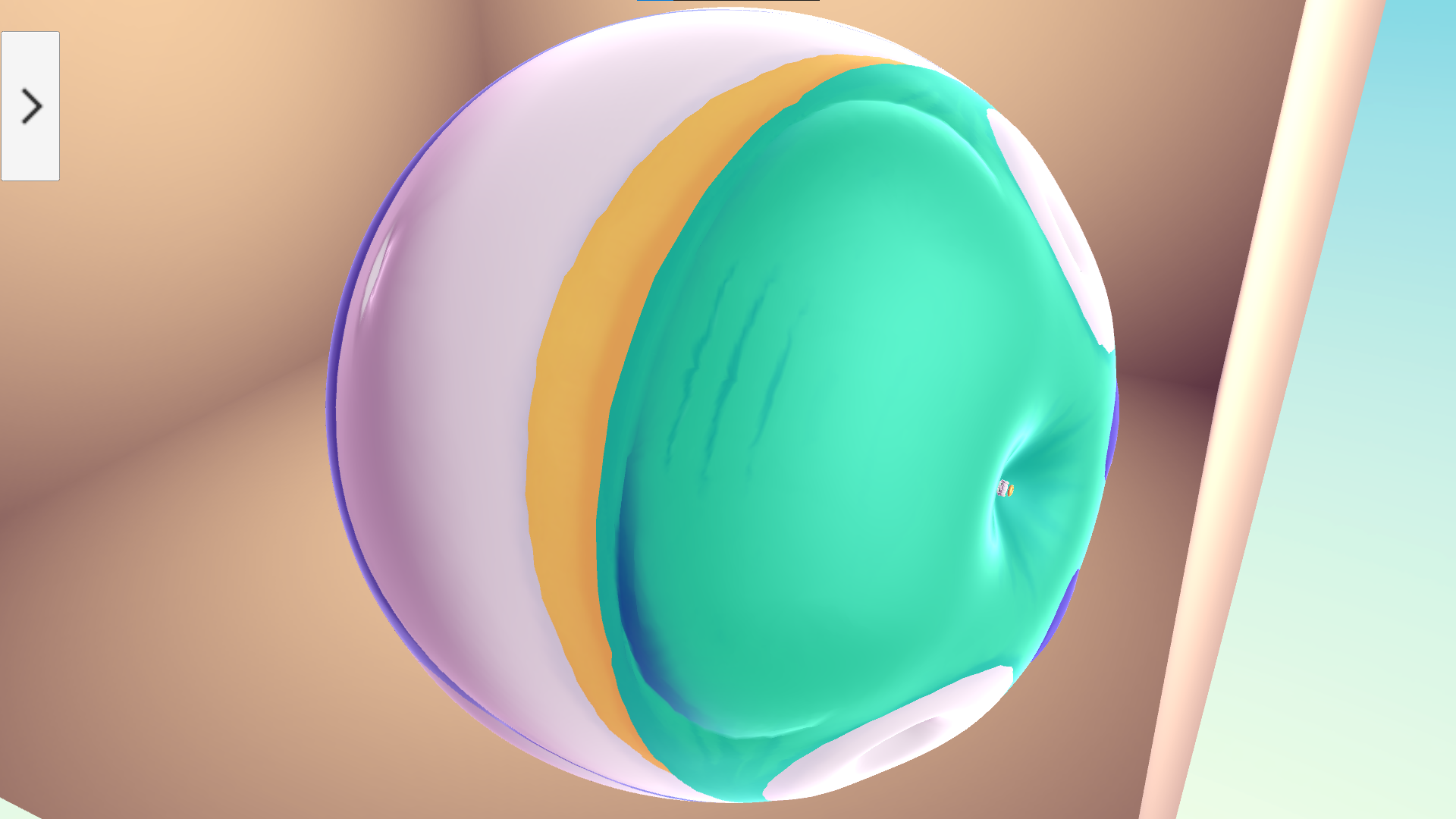
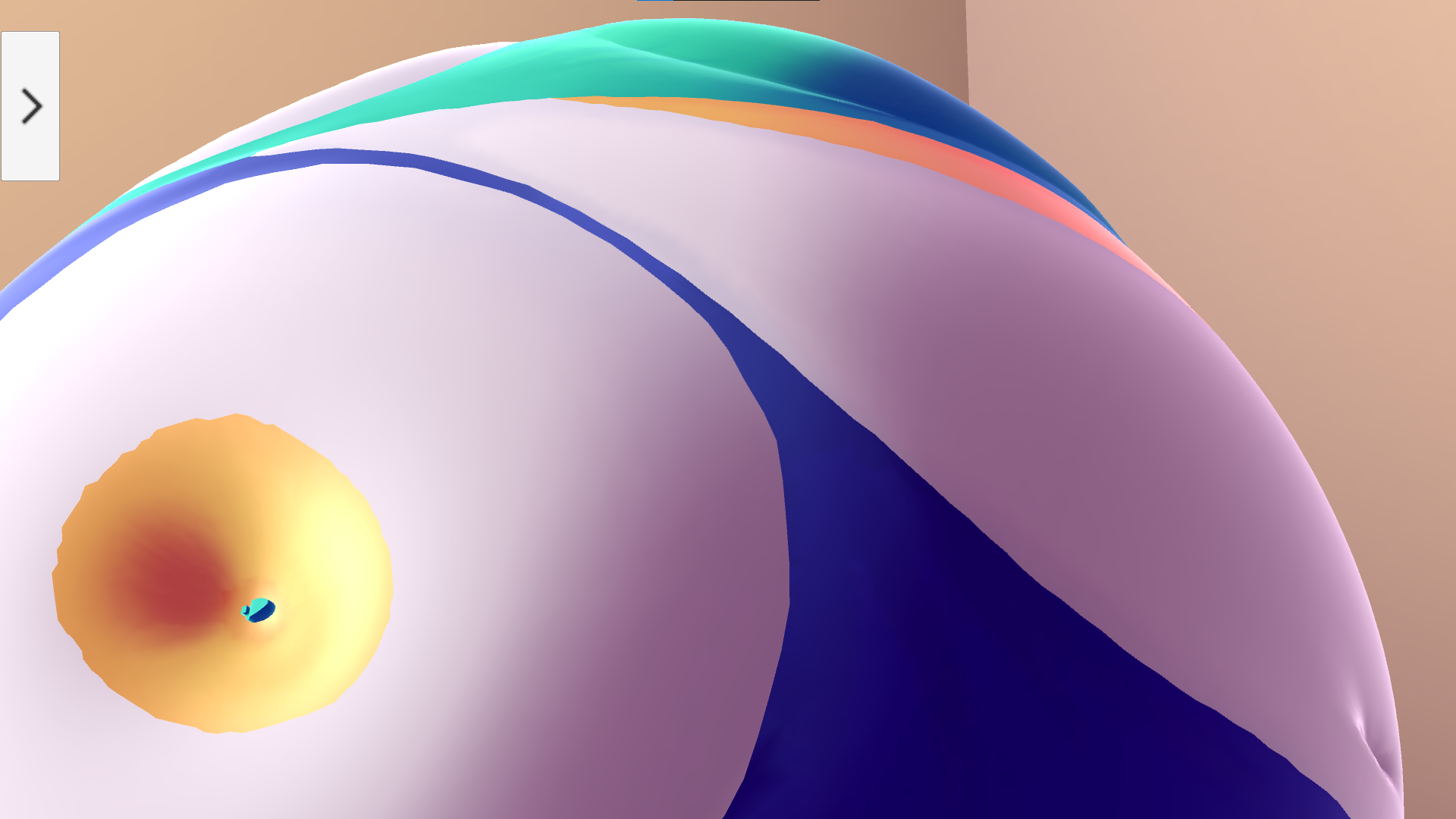
This tech demo was created to test a new technique for squishing a round character model against a 3D environment. The character model in question is Maya, a character of my own who was well suited for being this game's test balloon. There's very little actual gameplay to this, as it was just meant to test an unpolished idea, but I hope you still have fun messing around with the features available! One day I hope to make a follow-up to this idea, but for now I lack both the time and support necessary to do so, and have to put it aside to focus on other projects.
Download
Click download now to get access to the following files:
Comments
Log in with itch.io to leave a comment.
This is lovely
Thank you for lovely inflation content
cute little thing, im just curious on what the "weight gain" slider is meant to do though
If you throw a ball at her head, it'll disappear and make her bigger. It's like she's eating and getting fatter, so the weight gain slider controls how potent this is